announcements
Introducing GMI Studio: A Visual Platform for Production AI Workflows
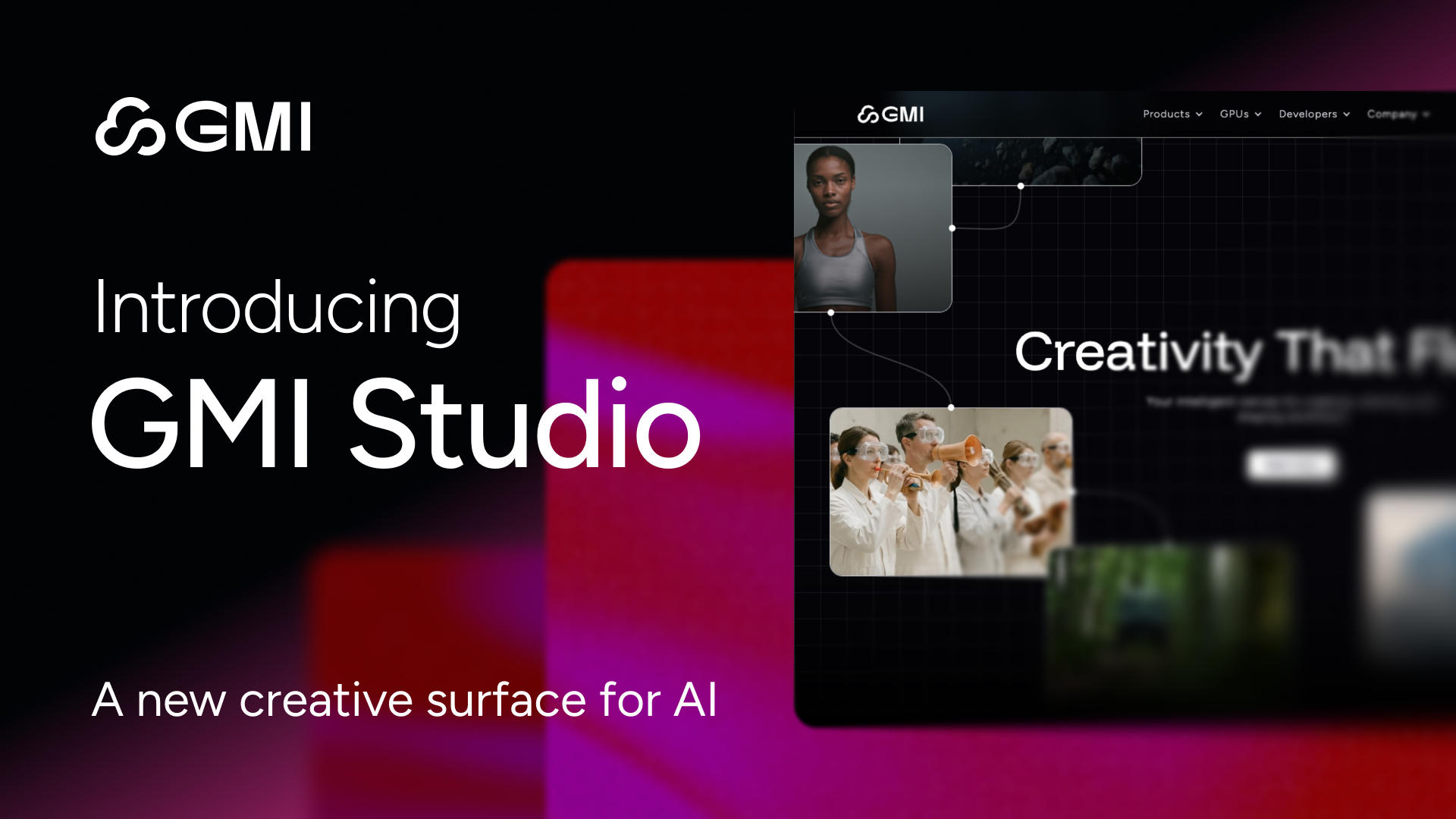
GMI Studio is a visual, node-based platform used in production by teams building AI video, image, and agent workflows. Create with the world’s most viral multimodal models—Wan, Kling, Veo, and Hailuo—without the hardware headache.
January 20, 2026
TL;DR — Why GMI Studio Matters
- Production-Ready from Day One: Used by teams shipping real AI video, image, and agent workflows today.
- Visual, Node-Based Creation: Combine multiple AI models, define inputs and parameters, and control outputs without writing code.
- From Prompts to Pipelines: Save, reuse, and scale workflows instead of rebuilding logic every time.
- Faster Generation: Built on GMI Inference with up to 1.4× faster generation than competitors, optimized for reliability at scale.
- Zero Setup: No Python environments. No drivers. No infrastructure orchestration.
AI Creation Without Friction
AI creation should feel like flow, not friction. In reality, most creators cannot even run today’s viral models like Wan or Kling locally. They demand extreme VRAM, fragile driver stacks, and fail fast with out-of-memory errors before any real work begins.
GMI Studio is built around a single principle: accessibility at production scale. Turning ideas into working AI should not require becoming a systems engineer first. Studio removes setup, orchestration, and integration as prerequisites to building.
This is how teams move from one-off prompts to durable AI pipelines.
Studio operates at the boundary where experimentation ends and production begins. It provides a persistent execution layer for AI workflows so teams can focus on creative and business outcomes instead of scripts, glue code, and brittle integrations.
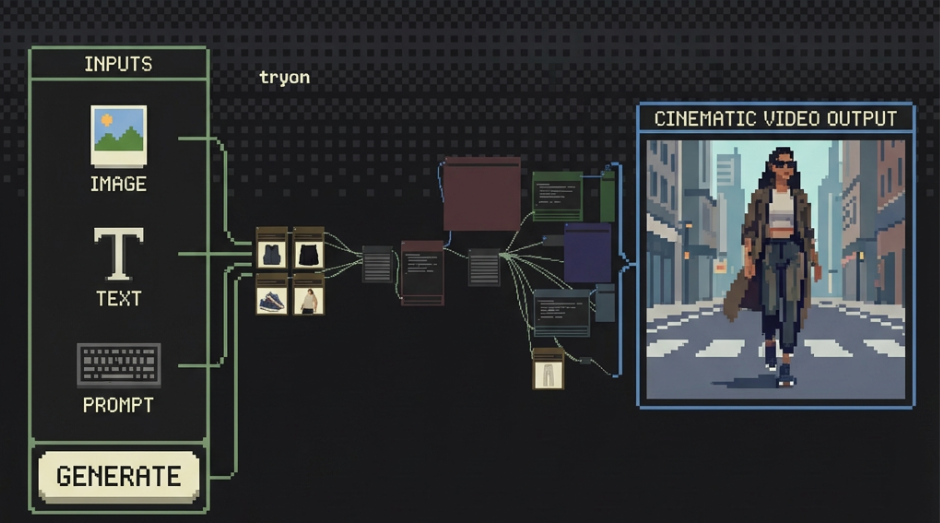
With GMI Studio, teams can:
- Combine multiple AI models into a single coherent workflow
- Define inputs, parameters, and outputs as first-class primitives
- Save, version, and reuse workflows across projects and teams
Instead of managing infrastructure and orchestration by hand, Studio provides a production-ready foundation for AI creation.
What’s Available Today in GMI Studio
Studio launches with production-ready capabilities already in use by teams shipping real workflows.
Long-Form Video Generation (2+ Minutes)
Create cinematic video outputs from a single image across 10 distinct video styles, designed for storytelling, marketing, and creative production.
Faster Generation, Built on GMI Inference
Up to 1.4× faster generation speeds, optimized for scale, reliability, and sustained workloads.
Workflow Discovery and Reuse
A built-in social feed allows teams to discover, like, and reuse workflows across the community—accelerating iteration and reducing duplication.
Built for Heavy-Duty Creative Workflows
GMI Studio is built for professional rendering, large-scene generation, and e-commerce-scale workflows.
Whether you are rendering massive environments for game assets or batch-processing thousands of product shots for an e-commerce catalog, GMI Studio runs on cloud GPUs designed to handle workloads that would melt laptops and workstations.
Studio lets teams push beyond local hardware limits and operate at true production scale.
Precision Styling with LoRA
General-purpose models are powerful, but professional work demands specificity and control.
GMI Studio provides deep LoRA integration, allowing teams to inject precise stylistic and visual constraints directly into multimodal workflows.
Use LoRAs to enforce:
- Consistent character aesthetics
- Brand-specific color grading
- Signature editing or montage styles
These styles become composable building blocks inside your workflows, enabling repeatable, professional-grade outputs at scale.
Instead of re-prompting and hoping for consistency, Studio gives teams deterministic creative control.
One-Click Execution for Every Workflow
Complexity doesn't have to mean difficulty. In GMI Studio, all workflows support one-click execution.
.png)
- Bring Your Own: Drag and drop your existing JSON files—they work instantly.
- Build Your Library: Create and save your own custom workflows. While community sharing is coming later, you can build your own private production arsenal right now.
- No "Spaghetti" Stress: We handle the backend wiring. You just press Run.
Powered by Proven Infrastructure
GMI Studio runs on the GMI Inference Engine—the same backend that processes billions of tokens daily for top studios.
This is a production-grade environment. When you use Studio, you aren't fighting for resources; you're utilizing a dedicated cloud architecture designed for:
- GPU-based workflows that require massive compute.
- High-speed generation for rapid iteration.
- Stability that prevents crashes during long video renders.
Free credits are offered to everyone who signs up. Try it now!
What’s Coming Next
GMI Studio will evolve with the needs of creators, builders, and enterprises alike. Expect upcoming features like workflow sharing, community discovery, and auto-positioning nodes coming along this year.
The power is yours to build, experiment, and create.
Frequently Asked Questions
1. What is GMI Studio and who is it built for?
GMI Studio is a visual, node-based platform designed for teams building production-grade AI workflows for video, image, and agent applications. It is already used by teams shipping real AI products and is built for creators, builders, and enterprises that need reliability, scale, and speed without managing infrastructure.
2. How does GMI Studio simplify AI workflow creation?
GMI Studio allows users to visually combine multiple AI models, define inputs and parameters, and control outputs without writing code. Instead of rebuilding logic for each project, teams can save, version, reuse, and scale workflows, turning one-off prompts into durable production pipelines.
3. What types of workloads can GMI Studio handle today?
GMI Studio supports long-form video generation (over two minutes), large-scene rendering, batch processing for e-commerce-scale workflows, and professional creative pipelines. It is designed to run workloads that exceed local hardware limits using cloud GPUs optimized for sustained, high-demand execution.
4. How does GMI Studio ensure speed and reliability at scale?
Studio is built on the GMI Inference Engine, delivering up to 1.4× faster generation than competitors. It provides stable, GPU-backed execution that prevents crashes during long renders, supports heavy workloads, and ensures consistent performance for production use.
5. What creative control features does GMI Studio offer?
GMI Studio includes deep LoRA integration, enabling precise and repeatable styling such as consistent characters, brand-specific color grading, and signature visual styles. These styles become reusable building blocks within workflows, giving teams deterministic control instead of relying on repeated prompting.
Colin Mo
Head of Content
Build AI Without Limits
GMI Cloud helps you architect, deploy, optimize, and scale your AI strategies
FAQ
GMI Studio is a visual, node-based platform designed for teams building production-grade AI workflows for video, image, and agent applications. It is already used by teams shipping real AI products and is built for creators, builders, and enterprises that need reliability, scale, and speed without managing infrastructure.
